
Business Continuity Starts With Connectivity: Building Wireless Backup Into Your Plan
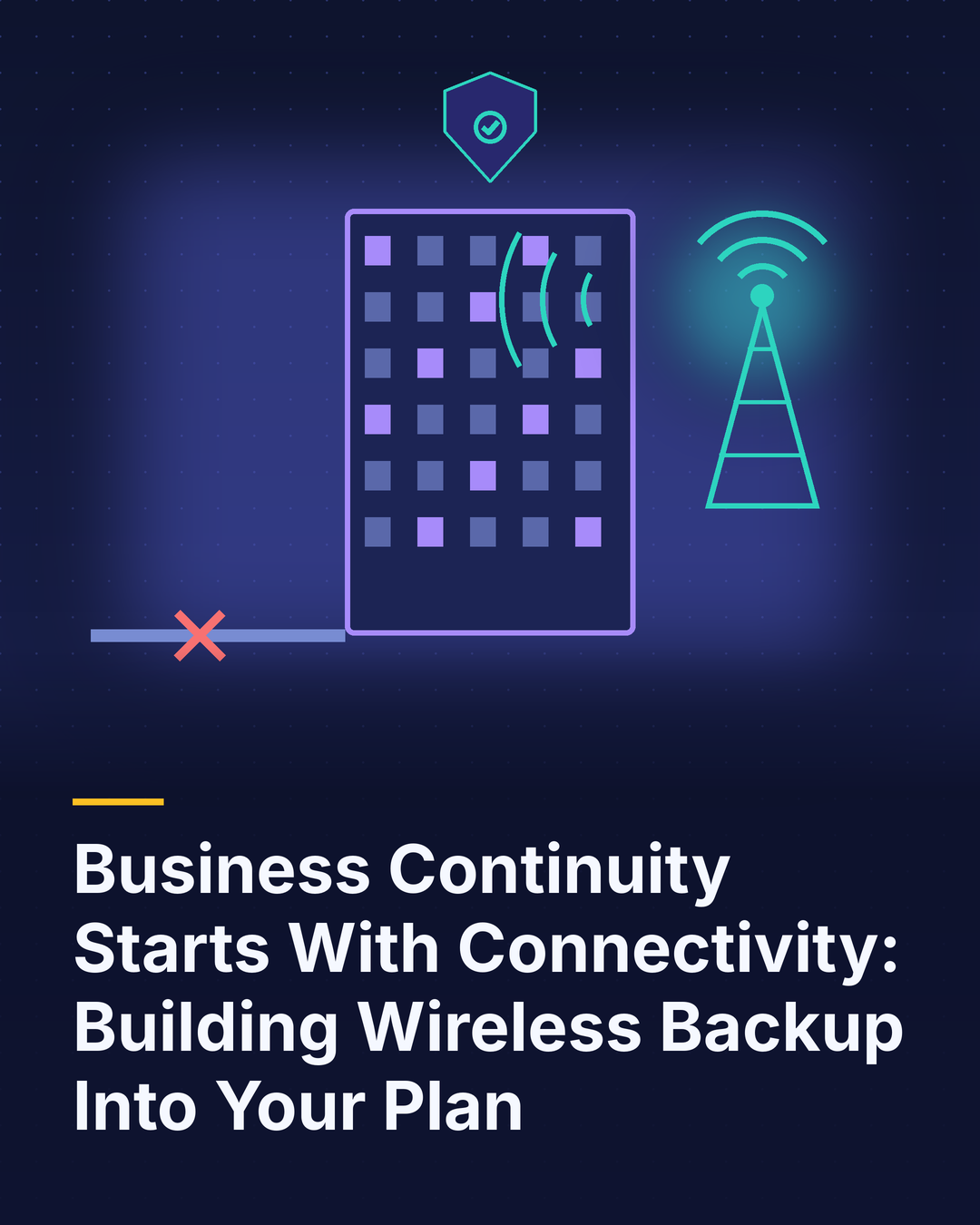
Most business continuity plans cover the obvious threats: fires, floods, cyberattacks, power failures, pandemics. They spell out data backups, alternate work locations and communication trees. But many overlook a simpler, more common failure that can stop operations just as effectively: losing the internet connection.
A backhoe cuts a fiber line down the street. A provider suffers a regional outage. A storm takes out local infrastructure. Suddenly, the point-of-sale system can’t process cards, cloud applications won’t load, phones that rely on internet calling go silent and employees sit idle. For businesses that run almost entirely in the cloud, connectivity is no longer one dependency among many. It’s the dependency.
The cost of being offline
Downtime costs vary widely by industry and size, but they’re rarely trivial. Retailers lose sales. Clinics can’t access patient records or scheduling. Contact centers stop taking calls. Logistics operations lose visibility into shipments. Beyond direct revenue, there’s damage to customer trust and employee productivity, plus the scramble to recover.
The frustrating part is that much of this risk is preventable at a modest cost.
Why wireless makes an ideal backup
The classic advice for redundancy is to use two connections. The catch is that two wired connections often share the same physical path. If both cables run through the same conduit or depend on the same local infrastructure, a single incident can take out both.
Wireless backup avoids that problem. A cellular connection travels a completely different path, through the air to nearby towers rather than through underground lines. It’s quick to deploy, doesn’t require construction and can be configured to switch over automatically when the primary connection fails.
Building a layered approach
Think about continuity in layers, matched to how critical each location and function is.
Layer one: automatic failover at each site. A business router with built-in cellular capability, or a dedicated fixed wireless backup device, detects a primary outage and switches traffic within seconds. Payment terminals, phones and cloud applications keep working.
Layer two: mobile hotspots and devices. Employees with business phones and generous hotspot allowances can keep working even if a site goes dark entirely. Laptops and tablets with built-in 5G add another option.
Layer three: priority and alternative networks. For critical operations, consider carrier priority services during emergencies, diverse carriers across locations, and satellite options for remote or disaster-prone sites.
Practical tips
- Test failover regularly, not just at installation.
- Monitor backup connections so you know they work before you need them.
- Right-size data plans so backup service doesn’t hit limits during a long outage.
- Prioritize essential traffic, such as payments and voice, when running on backup.
- Document procedures so local staff know what to expect and whom to call.
The bottom line
In a cloud-dependent business, losing connectivity can halt operations as completely as losing power. Wireless backup is one of the most affordable, effective ways to keep critical systems running when the primary connection fails. Building it into your continuity plan, and testing it regularly, turns a potential crisis into a non-event. Customers may never know there was an outage, which is exactly the point.