
Separating Work and Personal on One Phone: How Work Profiles Protect Privacy and Data
Most people don’t want to carry two phones. Most employers don’t want to buy everyone a second device. And most security teams aren’t comfortable with company data sitting alongside personal apps, games and social media on an unmanaged phone.
Work profiles were designed to resolve that tension. They create a separate, protected space on a single smartphone for work apps and data, managed by the organization, while the personal side stays private and under the employee’s control.
How a work profile works
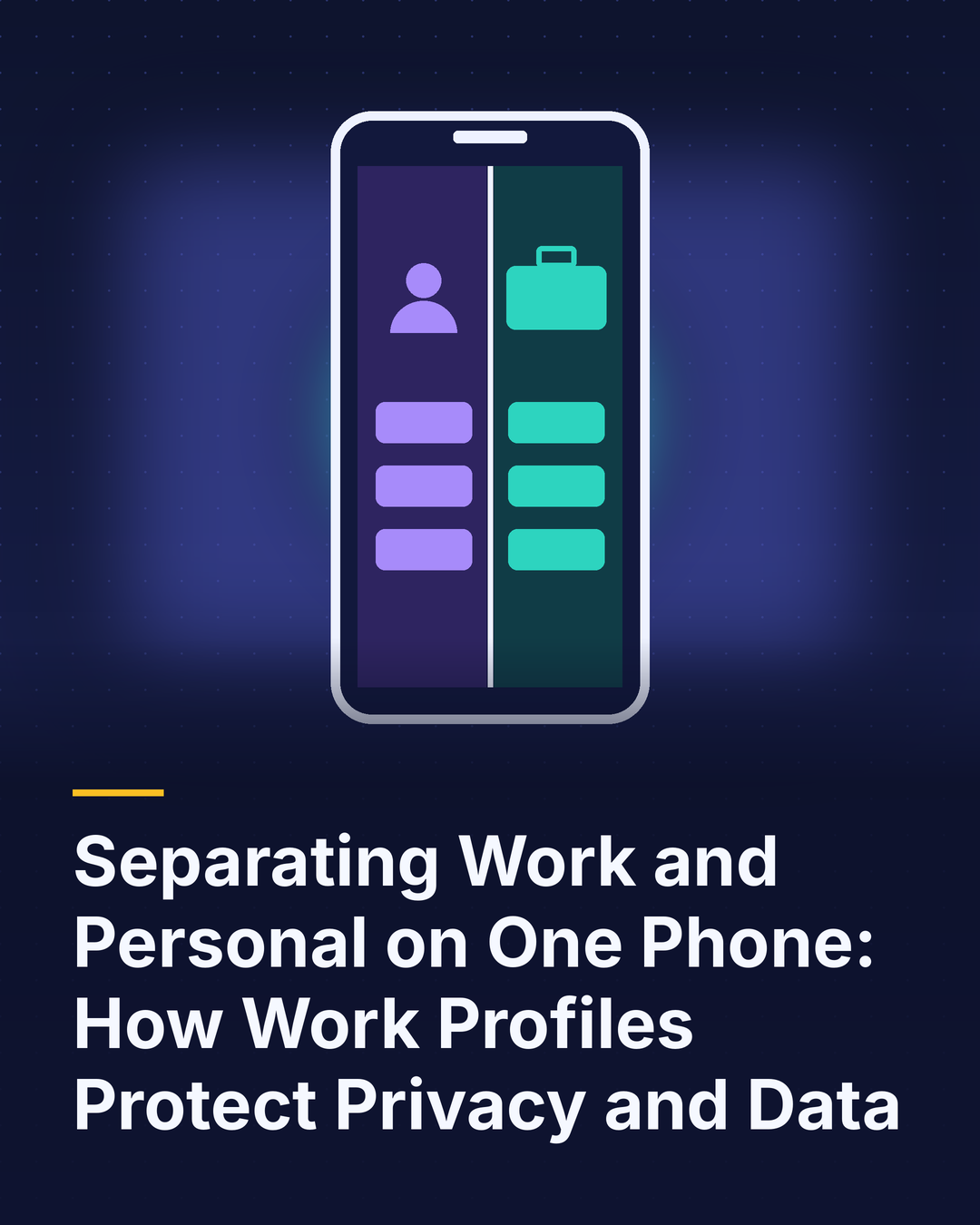
When a work profile is set up, the phone effectively runs two environments side by side. Work apps, such as email, messaging, CRM and file storage, live inside the profile, usually marked with a small briefcase icon. Personal apps stay outside it.
The two sides are isolated. Data in work apps can’t be copied into personal apps unless the company allows it, and personal apps can’t reach into work data. The organization manages policies, apps and security settings for the work side only. Many devices also let employees pause the work profile with one tap, silencing work notifications in the evening or on weekends.
What can IT see, and what can’t it?
This is the question employees ask most, and a clear answer builds trust.
With a properly configured work profile, IT can typically manage work apps, enforce security policies such as passcodes and encryption, see basic device information like model and operating system version, and remove the work profile and its data if needed.
IT generally cannot see personal apps, photos, messages, browsing history or personal email. It can’t read what’s on the personal side or wipe it. Explaining these boundaries in plain language, ideally before enrollment, makes employees far more comfortable participating.
Benefits for the business
Stronger data protection. Company information stays in a controlled container with its own encryption and policies.
Clean offboarding. When someone leaves, IT removes the work profile without touching personal content, and company data goes with it.
Lower costs. Work profiles make bring-your-own-device programs far more secure, reducing the need to issue separate phones to everyone.
Better adoption. Employees are more willing to enroll personal devices when their privacy is clearly protected.
Work profiles on company-owned phones
Work profiles aren’t only for personal devices. Many organizations use them on corporate-owned phones that allow personal use. The company retains broader device-level controls while still giving employees a private personal space, which can boost satisfaction and reduce the temptation to carry a second phone.
Getting it right
Choose devices and management tools that fully support work profiles, communicate privacy boundaries clearly, keep the number of required work apps focused, and test the experience with a pilot group before rolling it out broadly.
The bottom line
Work profiles let one phone serve two lives without compromising either. Businesses get the control they need over company data, and employees keep the privacy they expect on their personal side. For organizations balancing security, cost and employee experience, they’re one of the most practical tools available in mobile management. Clear communication about what IT can and cannot see is what turns that technical capability into genuine employee trust.