
Zero Trust Goes Mobile: Securing Access From Every Phone and Tablet
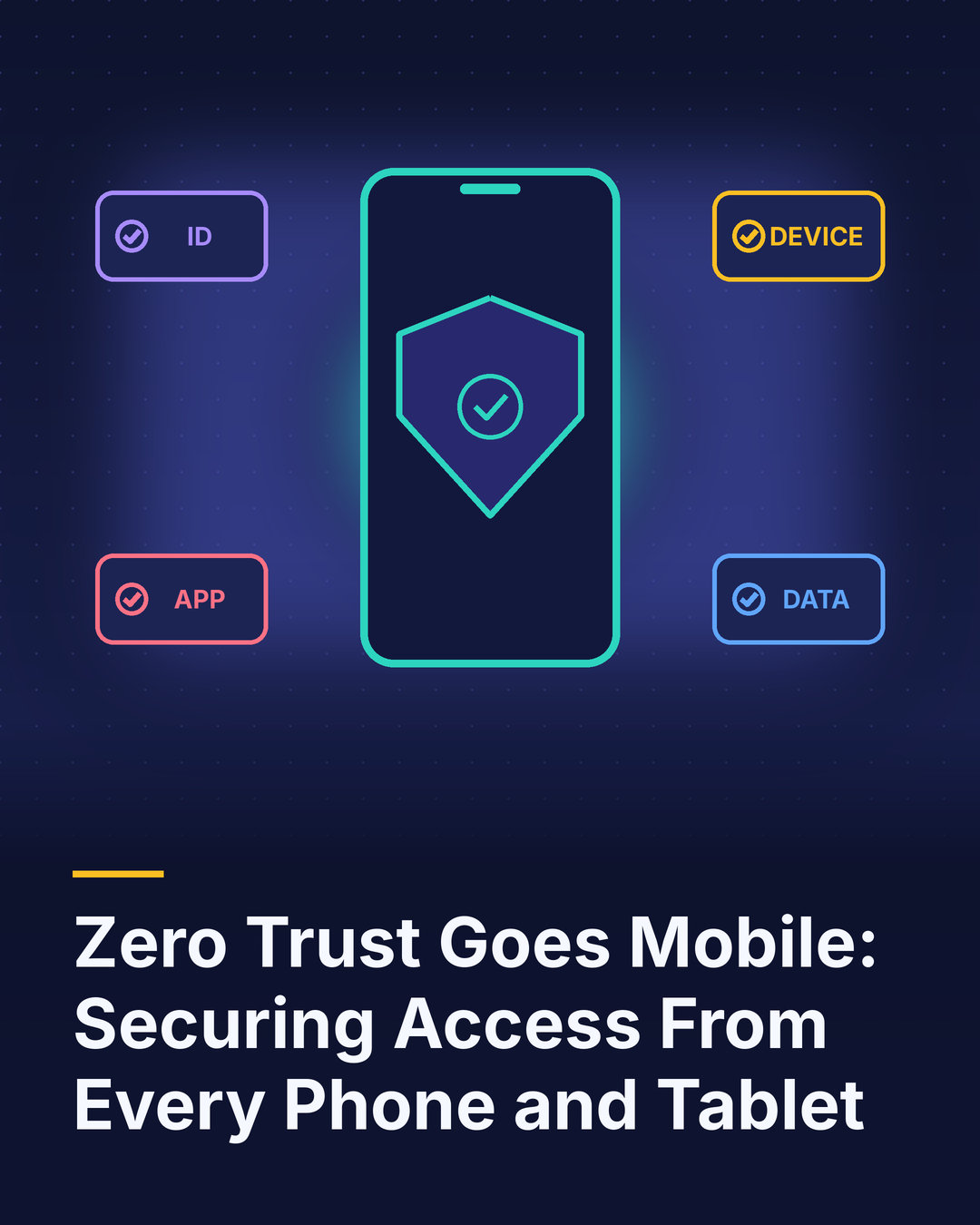
Zero trust has become one of the most widely adopted security frameworks of the past several years. Its core idea is simple: never assume a user or device is trustworthy just because it’s inside the corporate network. Verify every access request based on who is asking, what device they’re using, its security condition and what they’re trying to reach.
Many organizations have applied zero trust to laptops, servers and cloud applications. Mobile devices are often the gap. That’s a problem, because phones and tablets now access the same email, files, CRM data and business apps as laptops, frequently from untrusted networks and sometimes from personally owned hardware.
Why mobile needs special attention
Mobile devices move constantly between home Wi-Fi, cellular networks, hotels and coffee shops. They’re easier to lose. They’re targeted by text-message phishing, malicious apps and fake login pages that are harder to spot on a small screen. And they often serve as the second factor for authentication, which makes a compromised phone especially dangerous.
At the same time, mobile operating systems have strong built-in security, including hardware-backed encryption, app sandboxing and secure enclaves for credentials. Zero trust works best when it takes advantage of those protections.
Five building blocks for mobile zero trust
1. Verify identity strongly. Use phishing-resistant authentication such as passkeys or device-bound credentials instead of passwords and codes sent by text. Single sign-on reduces the number of logins users must manage.
2. Check device health on every request. Before granting access, confirm the device is enrolled or registered, encrypted, protected by a screen lock, running a supported operating system version and free of known compromise such as rooting or jailbreaking. Devices that fall short can be blocked or limited.
3. Grant least-privilege access. Give users access only to the apps and data their role requires, and adjust based on risk. A managed corporate phone might get full access, while a personal device gets access only through a protected work profile.
4. Protect data inside the device. Separate work and personal data, control copying and sharing between apps, and enable remote wipe of business information.
5. Monitor continuously. Watch for risky signals such as impossible travel, unusual access patterns or newly detected threats, and re-evaluate access in real time rather than only at login.
Don’t forget the network
Zero trust removes reliance on the network as a security boundary, but connectivity choices still matter. Encouraging employees to use cellular data instead of public Wi-Fi reduces exposure, and some business carrier plans now include security features like threat filtering and secure access integrations.
Device choice matters
Not all phones are equal from a security perspective. Look for devices with dedicated security hardware, regular monthly security patches and long update commitments. A device that stops receiving updates after a few years becomes a liability long before it wears out.
The bottom line
If mobile devices can reach corporate data, they belong inside your zero trust strategy. Strong identity, continuous device health checks, least-privilege access and data protection turn phones from a weak point into a well-defended access point. The good news is that modern mobile platforms already provide many of the building blocks. Organizations that connect them to their broader security program can support mobile work confidently without sacrificing usability.